
Reintroducing COMcheck Export for Building Envelope
FenestraPro is delighted to re-introduce COMcheck Export that will support our US users to send all Revit envelope element data to the COMcheck web application in order to establish compliance with US Energy Codes.
Using FenestraPro for Revit, building element areas and thermal properties are sent to the COMcheck-web application and can be used to demonstrate compliance with US Energy Code values.
Apply for a 30-day free trial of FenestraPro for Revit by clicking here.
COMcheck can be accessed by clicking here and register for a free COMcheck-web Account by clicking here.
Workflow
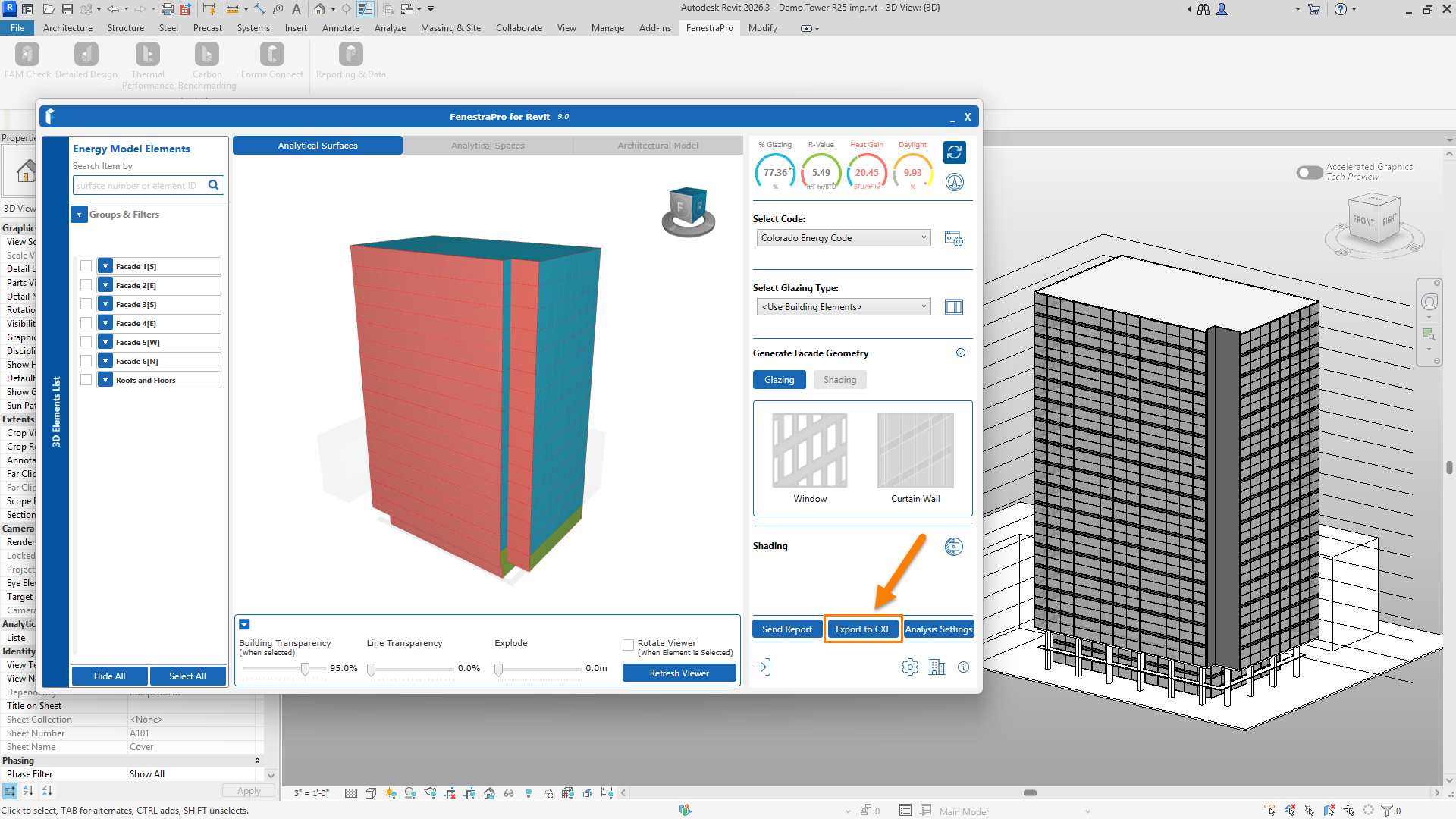
Use the Export to CXL button in FenestraPro for Revit to save project data. This file can then be imported into COMcheck-web. Element families used in Revit will map to similar wall, roof, floor and glazing types in the COMcheck application. These types and properties can always be edited if needed.
Elements that do not comply may be adjusted in Revit by improving thermal performance values or by testing schematic types in the first instance using FenestraPro and then applying these changes to Revit families using Type Properties.
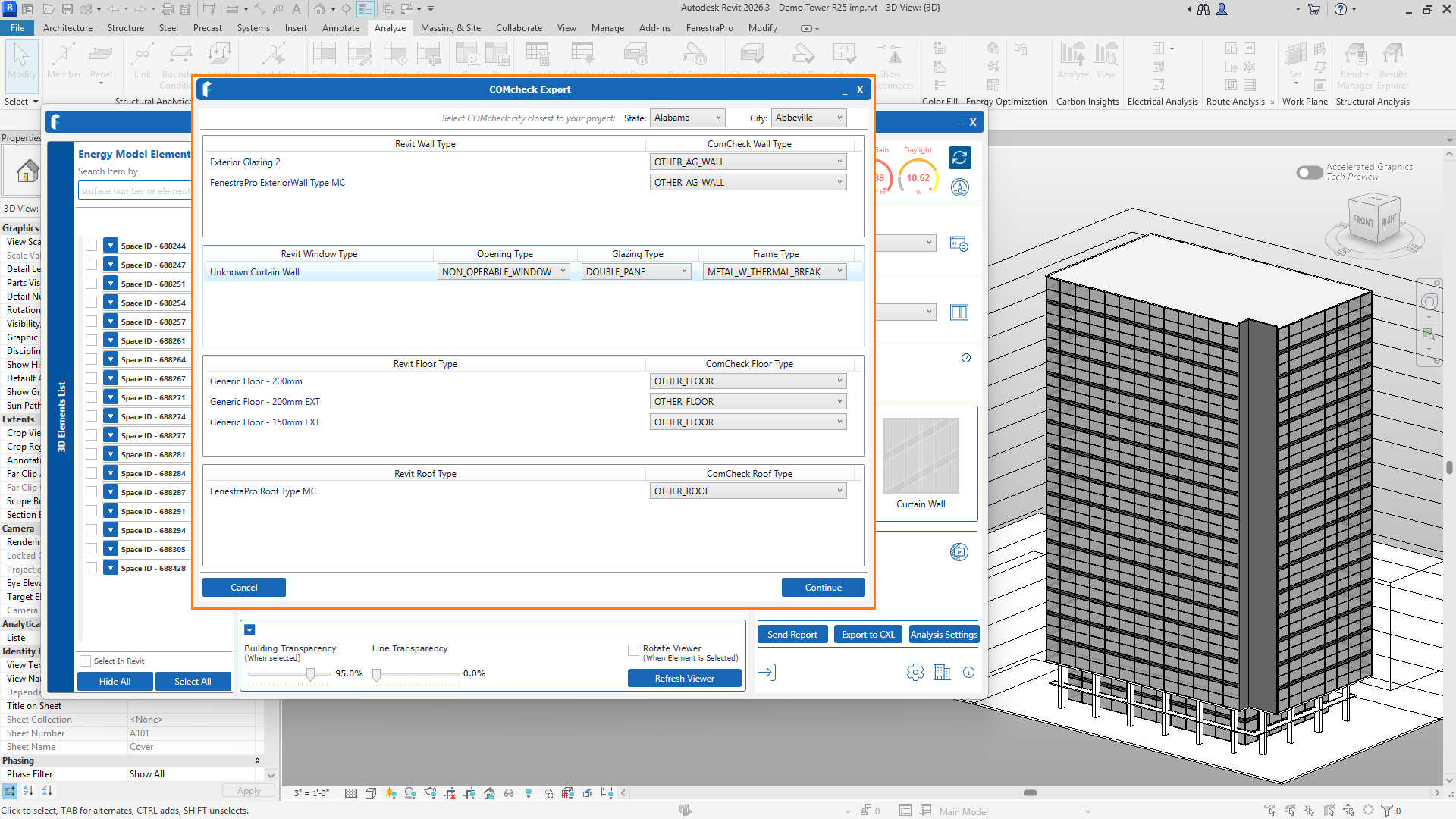
Within the COMcheck Export page, select the correct location at the top or the nearest city to your site location. The COMcheck Element types, to which Revit families are being mapped, may also be reviewed or edited if you wish. Review types for each category Walls, Windows, Floors and Roofs. For details of type assemblies used, please refer to COMcheck-web ‘Support Document’ by clicking here.
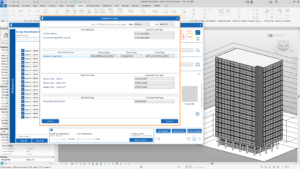
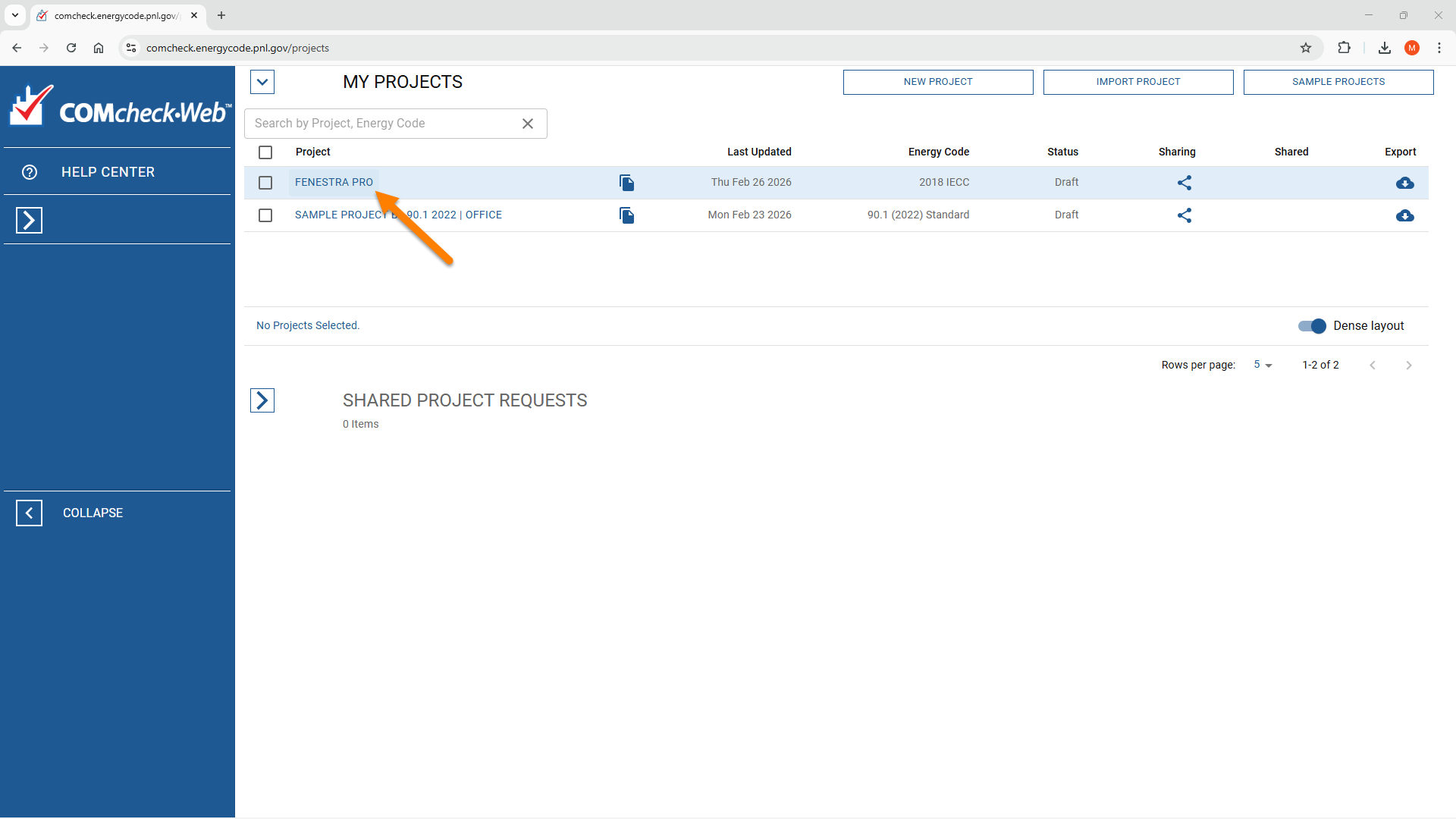
Once you have mapped the elements click Continue to save a .cxl file in your downloads. On the COMcheck-web page, browse to the location of the .cxl file and import it from your downloads.

The project will then appear in the list of projects at the top of the screen, where it can be opened.

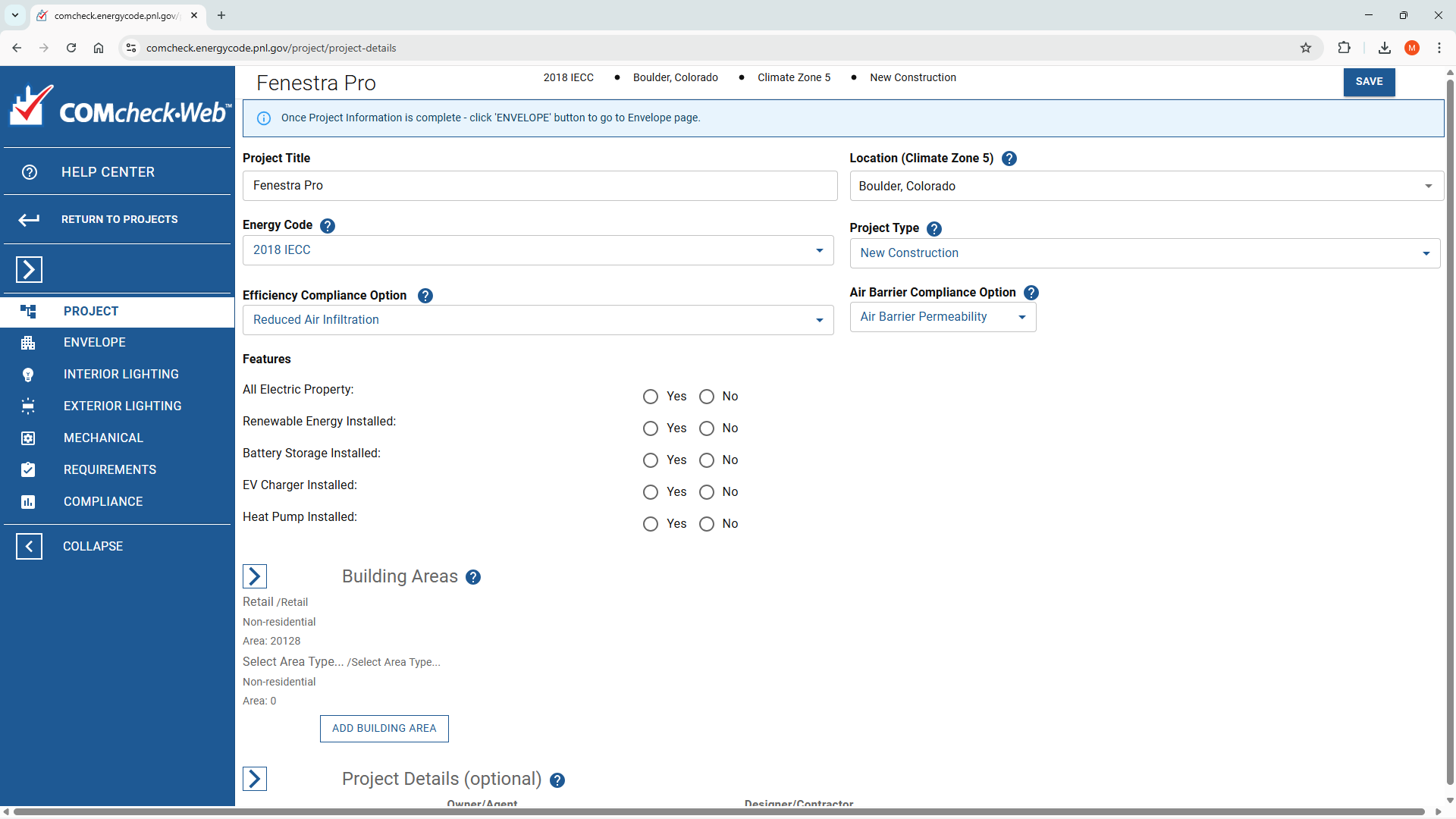
The Energy Code used is recommended by COMcheck and may be changed by clicking into the field provided.
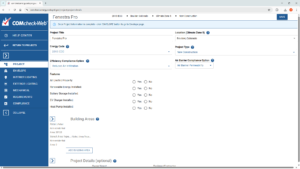
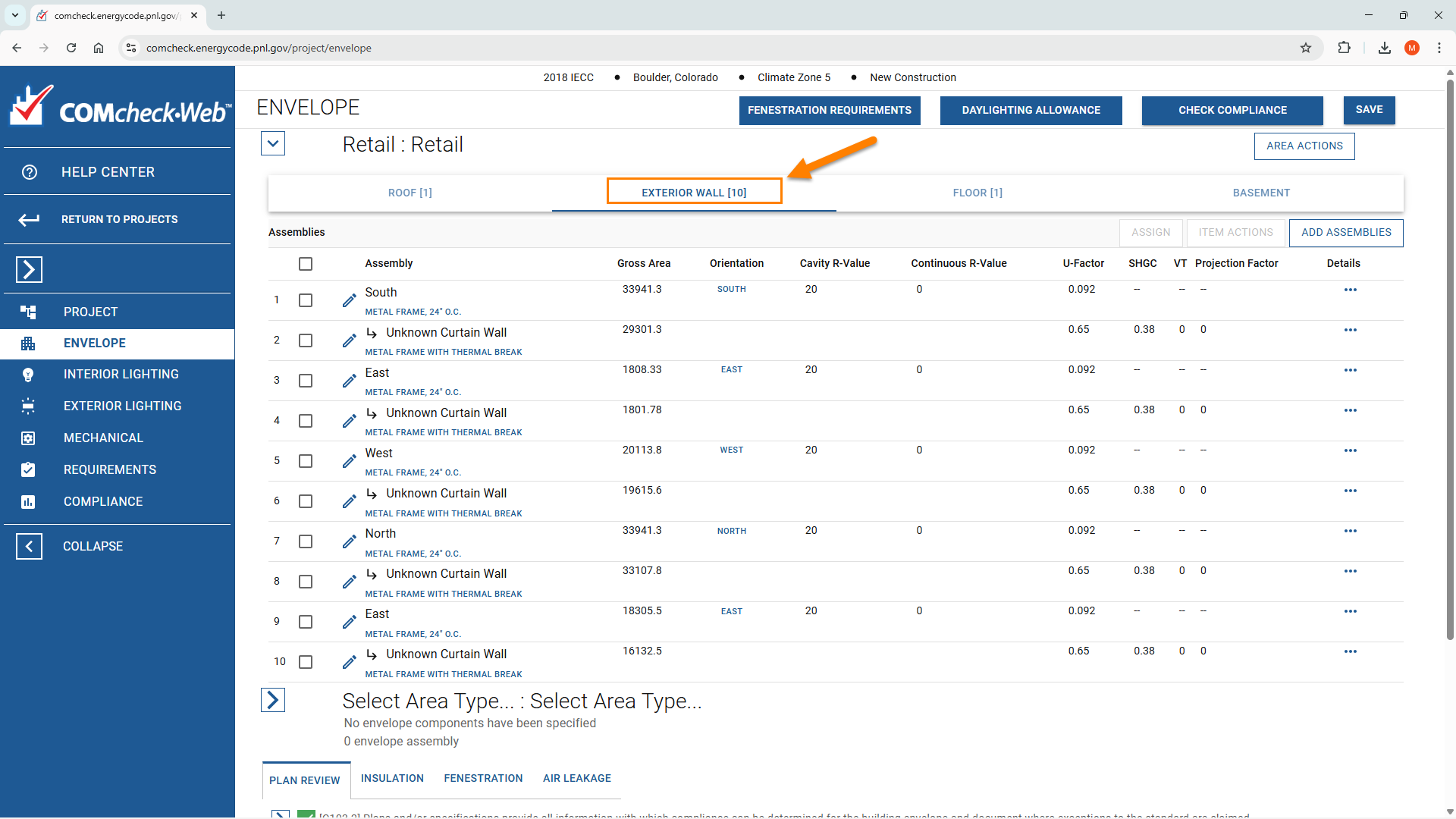
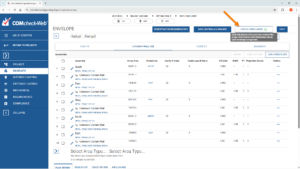
Under Envelope information, elements categories may be displayed. Orientations may also be edited if required.
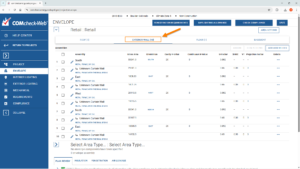
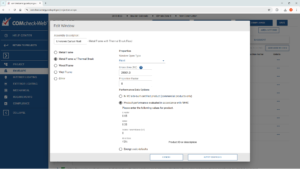
Glazing elements use U-factors as well as SHGC and VLT properties. Solid elements (walls, roofs and floors) typically use R-values when mapped to a type (unless the ‘other’ type option is used, in which case the U-factor displays instead).
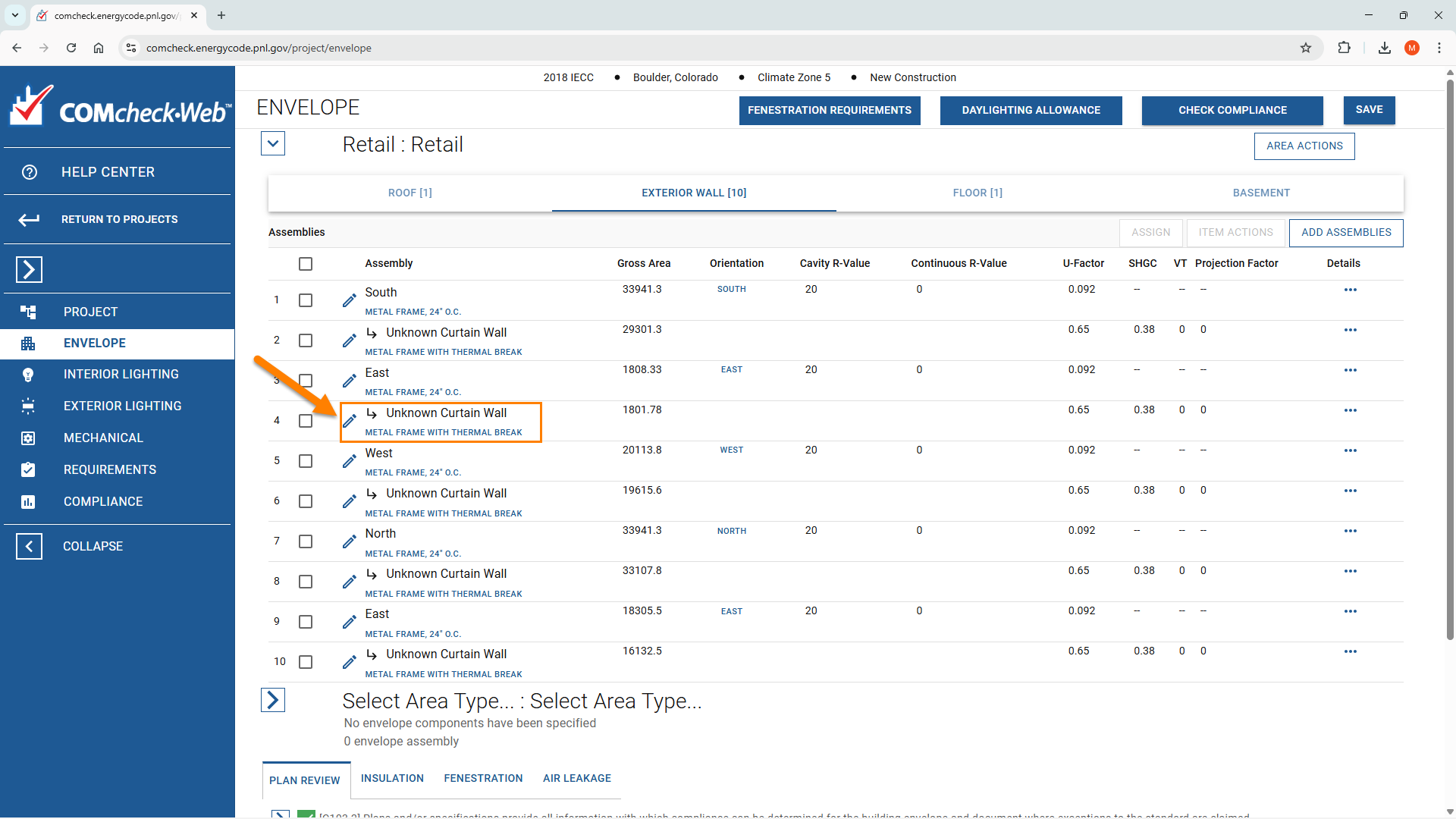
Assemblies can also be opened and details edited to override values if required.

If you have shading devices over glazing, you may input the ‘projection factor’ for that glazing element as a decimal (shade overhang over window height ref: CIBSE TM37, Design for improved solar shading control). This will apply to all instances of this element type. Guidance on fenestration requirements for the relevant code is provided at the top of the screen.
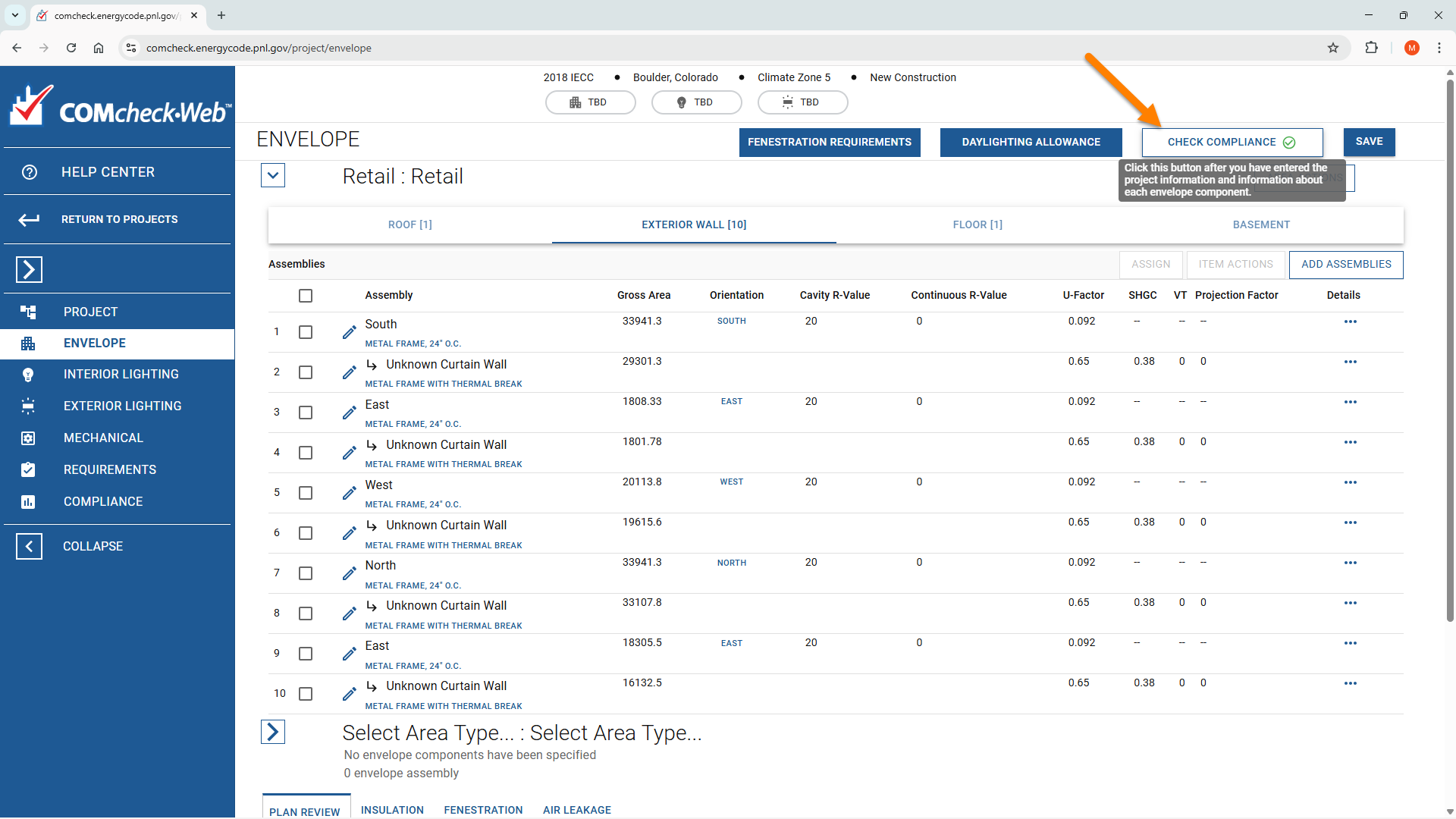
Use the Check Compliance button to review status. An Envelope Compliance Certificate can then be produced if elements comply with the selected Energy Code.
For guidance on using the COMcheck-web tool, please see relevant resources from the application provider.
Please contact us for more information: FenestraPro Support